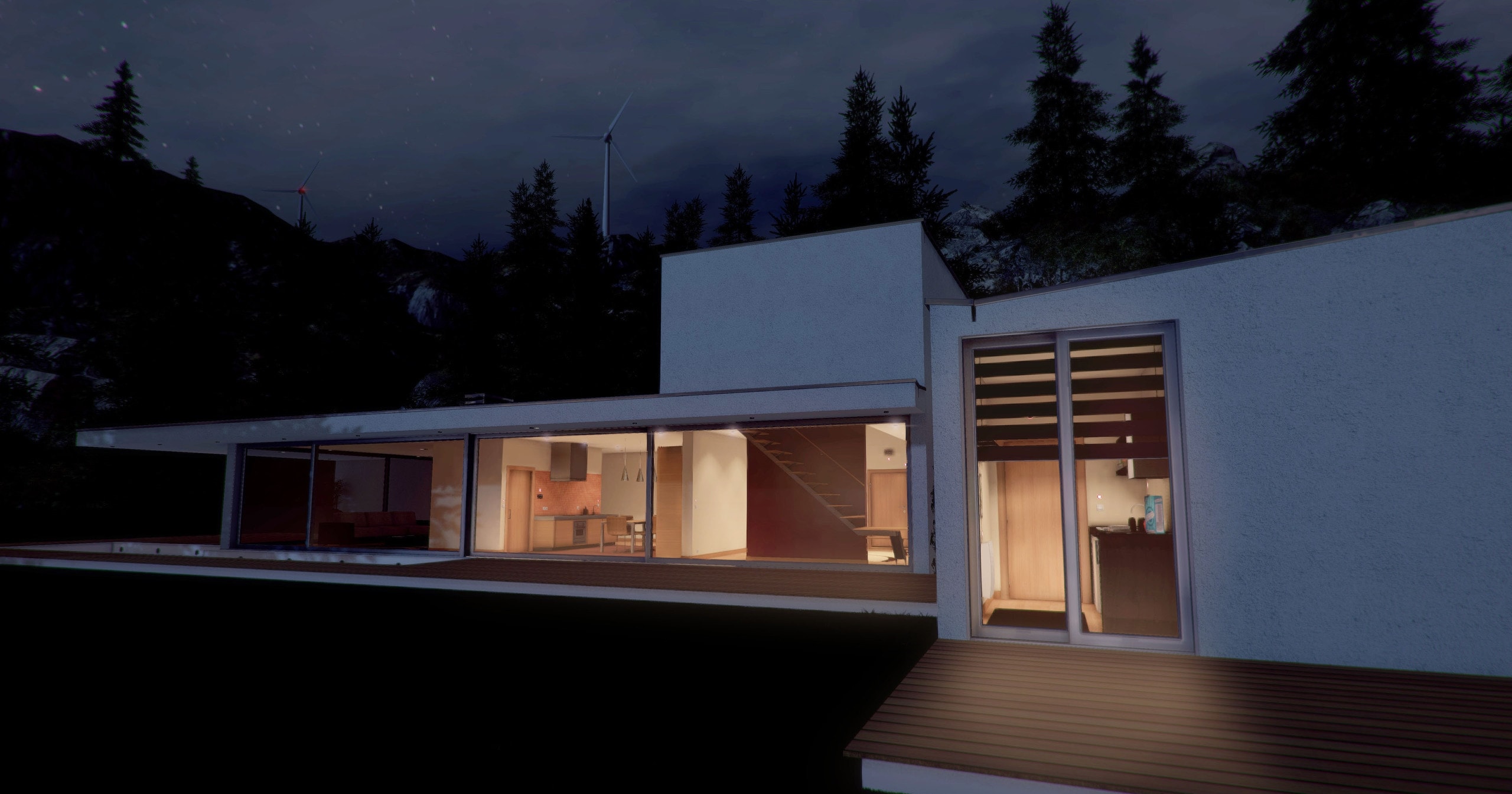
Real-time 3D house
Designed to cover a wide range of curriculum targets within Science, Technology, Engineering and Math (STEM), Home I/O has everything you need to simulate and monitor a real-time smart home simulation.

Learn programming with Home I/O + Scratch
Learn how to program with Home I/O and Scratch. Home I/O can be used together with Scratch 2 and 3 through scratch extensions.
See more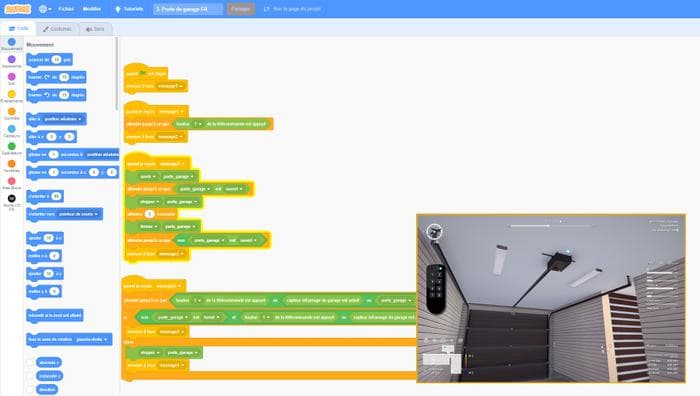
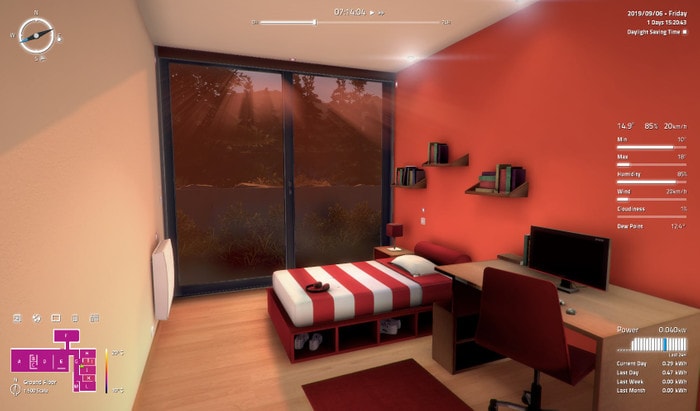
Realistic 3D simulation
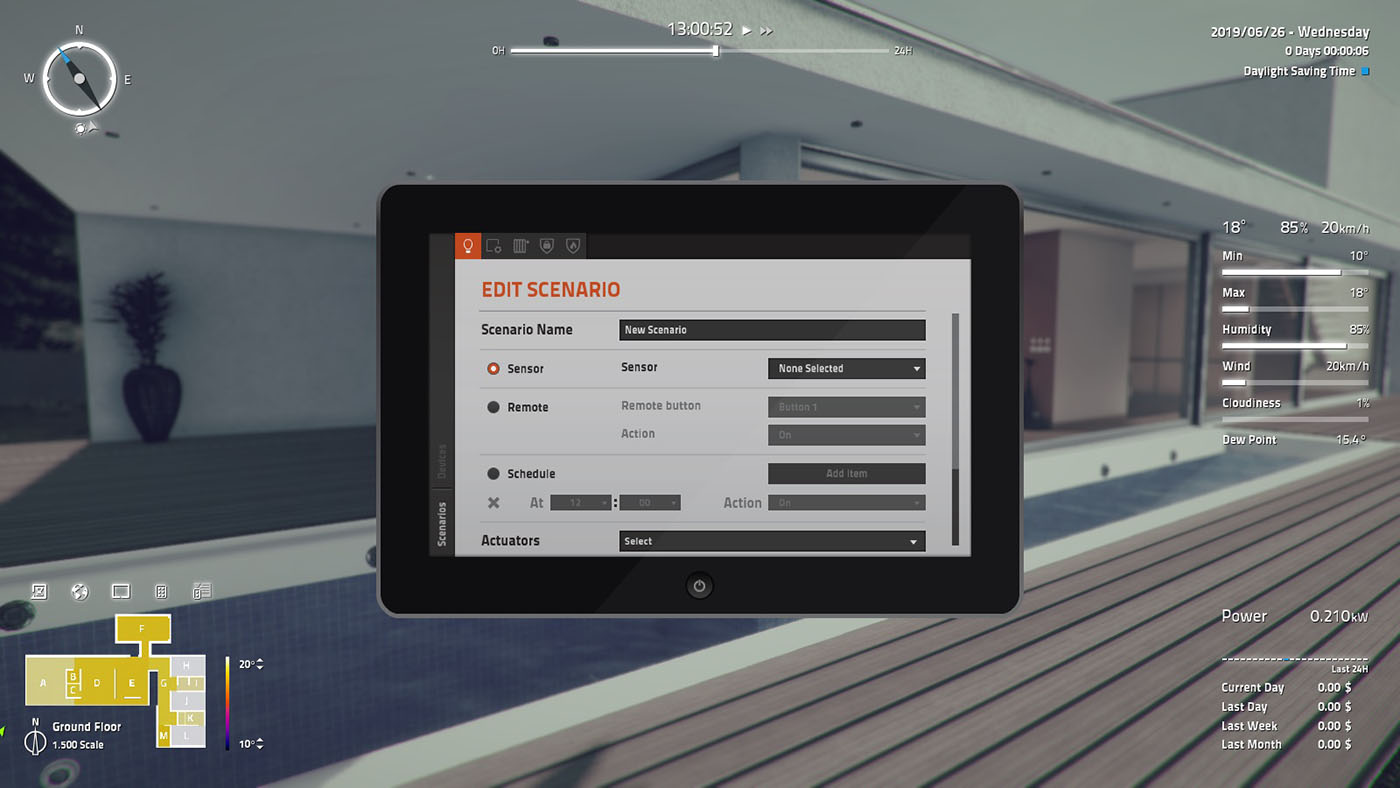
Smart home console
Create smart home scenarios using common automation devices. For instance, set lights to turn on or off when people enter or leave a room or check whether doors and windows are open or closed.
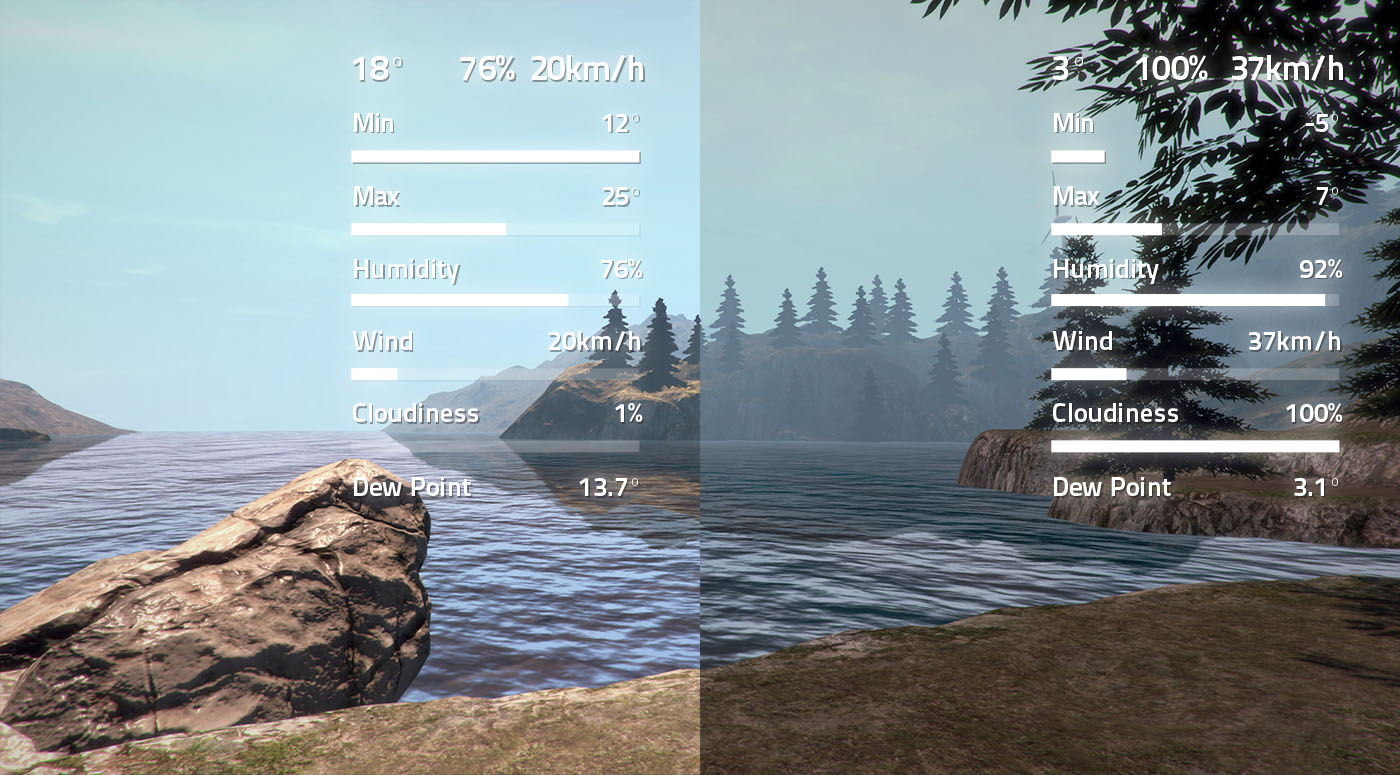
Dynamic parameters
Change weather settings, date, time and location. See how these parameters play on simulation and analyze the results.
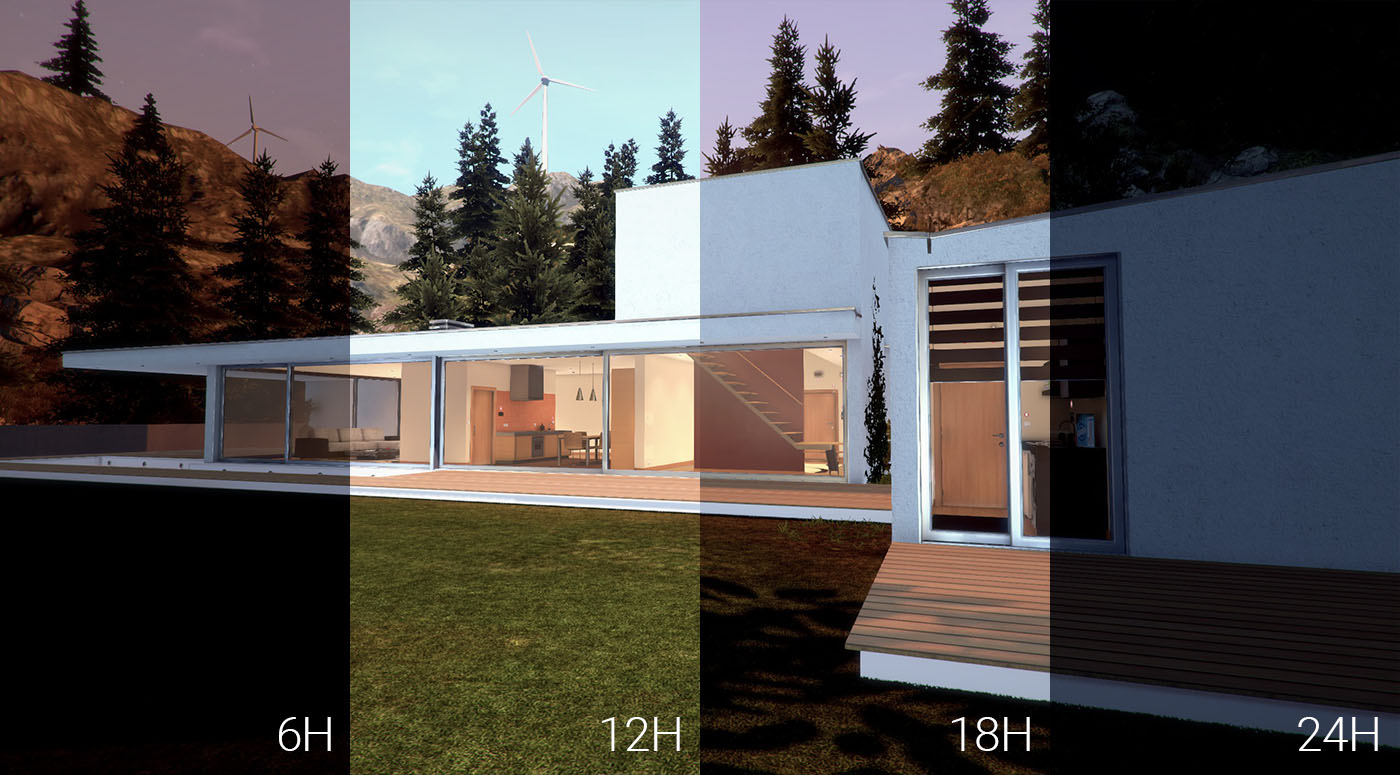
Faster than real-time
Accelerate time and simulate a day in 17 seconds.
Packed with features
Learn more about what makes Home I/O great.
Learn more174 Devices
Home I/O allows interaction with lighting, heating and other smart home devices using more than 400 I/O points.
Thermal behavior
Real-time simulation of thermal behavior takes into account weather conditions, location and properties of the building.
Digital and analog I/O
Turn lights on and off using digital values or measure brightness with analog values.
Surrounding environment
Change weather conditions, location, date, time and other parameters.
Power consumption
The Power Panel tracks real-time data of power consumption and accounts the hourly, daily, weekly and monthly energy consumption and cost.
Connect technologies
Connect I/O allows to integrate Home I/O with a wide range of external automation technologies (e.g. PLC, Modbus, microcontrollers and many others).